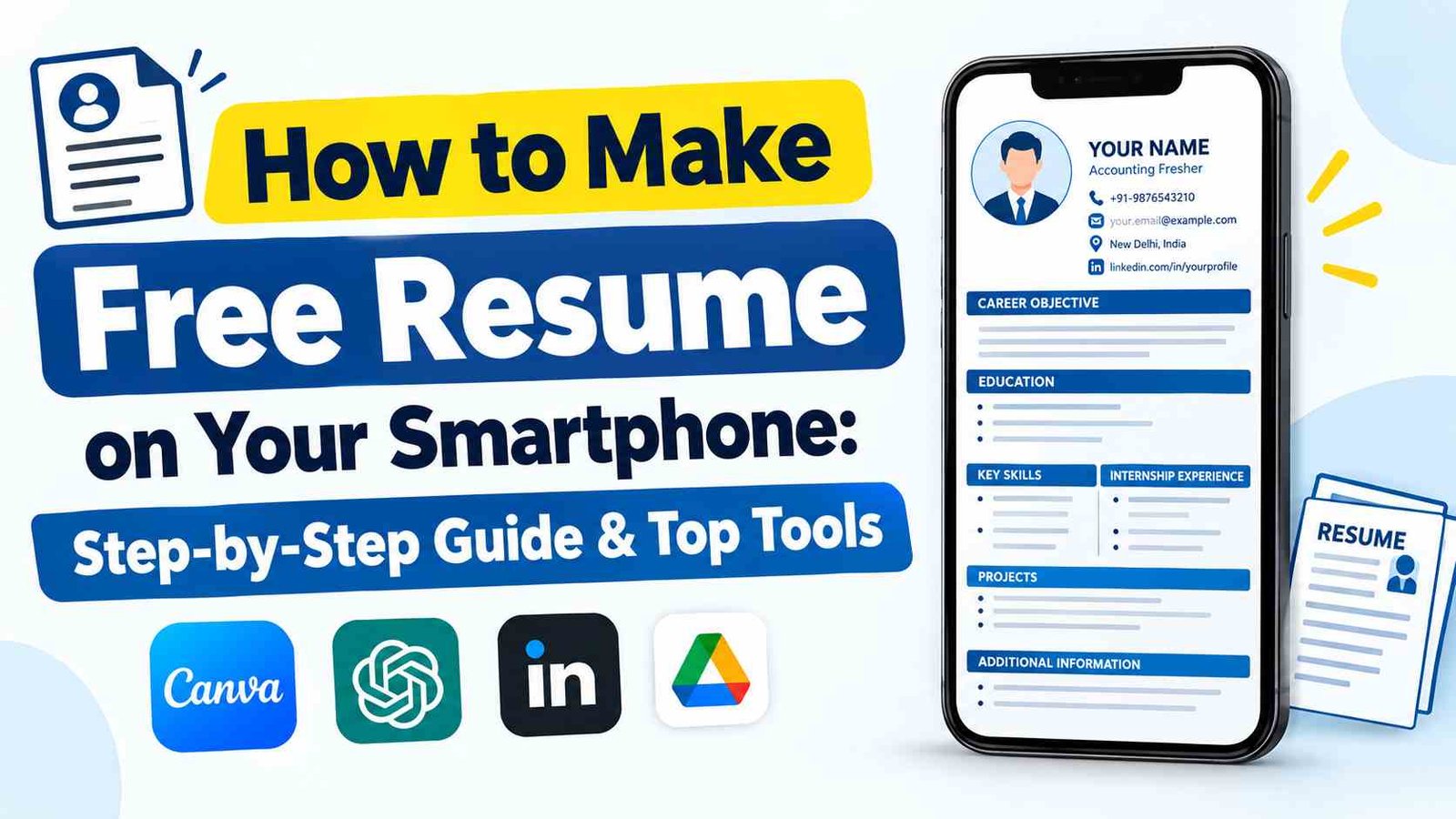
How to Build a Professional Resume: Today’s digital-first job market, an impressive resume or CV is your primary ticket to landing a job interview. Many job seekers still believe that creating a polished, industry-standard resume requires a laptop, a desktop computer, or a trip to a local cyber café. However, the reality is that your smartphone is fully equipped to handle the task within minutes.
Whether you are a fresh graduate entering the workforce or an experienced candidate looking for a career change, numerous mobile-friendly applications and online platforms offer pre-designed templates. You simply need to input your personal details, educational qualifications, and key skills to generate a downloadable PDF.
Top Mobile Apps & Online Tools for Resume Building
Several popular applications make resume creation effortless directly from your mobile browser or app store. You can select the platform that best fits your preference:
| Application / Tool Name | Primary Features & Best Use Case |
|---|---|
| Canva | Extremely popular for visually attractive designs and a vast library of free modern templates. |
| Intelligent CV | Best for generating simple, clean, and professional resumes quickly without design complications. |
| CV Engineer | Offers structured sections alongside helpful prompts and language guidance for job seekers. |
| WeBuildCV | Integrates AI-powered features to help draft both resumes and tailored cover letters simultaneously. |
| Sarkari Result Tool | A quick web-based tool to generate a standard PDF resume directly via a form—no app installation required. |
Step-by-Step Guide: Creating a Free Resume via Sarkari Result
For users who prefer not to install additional mobile applications, using a web-based form like the Sarkari Result Resume Maker tool provides a fast alternative.
- Open Sarkari Result Tool Portal: Open official portal https://sarkariresult.tools/bio/ , and locate the Resume / CV Maker link under Tools section.
- Input Contact Details: Fill in essential details, including your full name, residential address, active mobile number, professional email address, and date of birth.
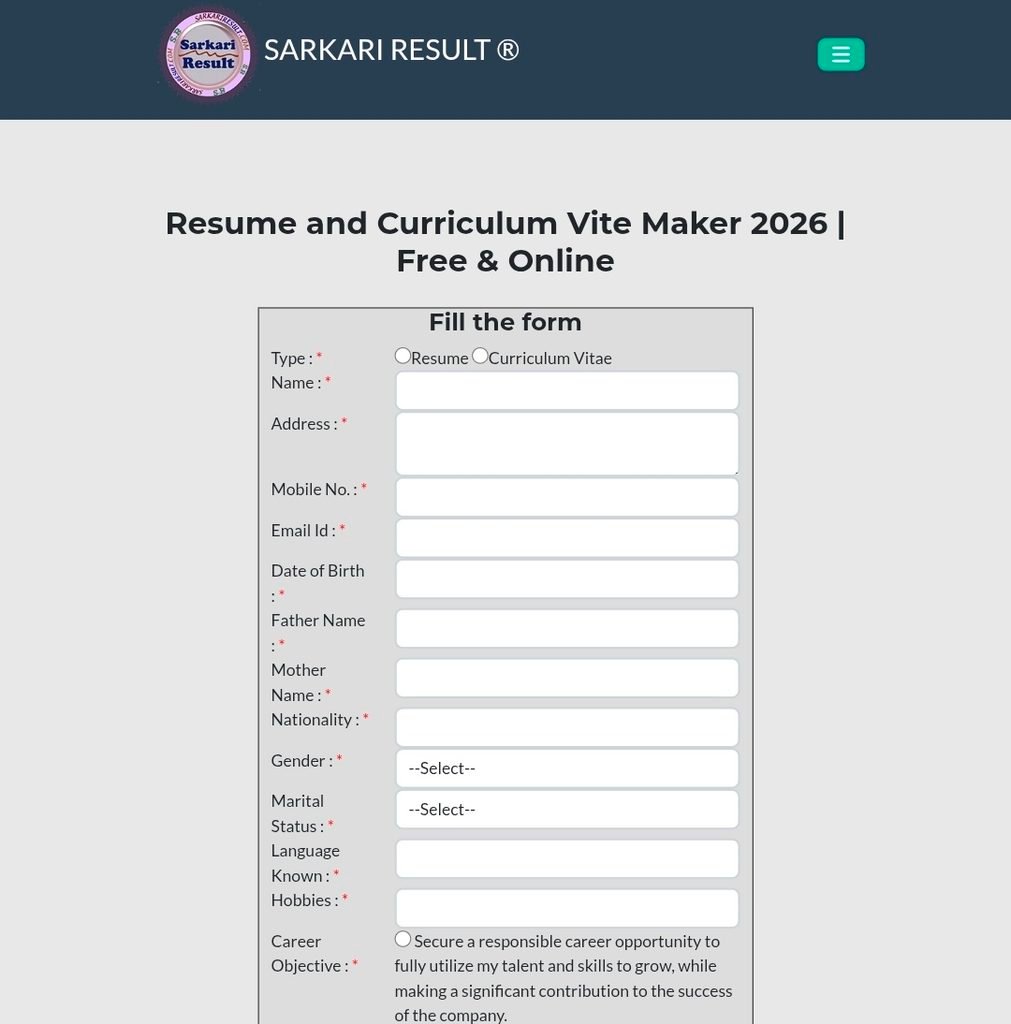
- Select Objective & Qualifications: Choose a pre-written Career Objective that aligns with your profile, then enter your educational history (10th, 12th, Degree) and relevant work experience.
- Upload Photo & Select Layout: Upload a clear passport-sized photograph. Select your preferred color scheme and layout template.
- Preview & Download PDF: Complete the security verification code (CAPTCHA) and tap Show Resume. Preview your document and save it directly as a PDF file to your smartphone storage.
Key Tips for Mobile Resume Creation
While choosing an appealing design is important, the accuracy and formatting of your information determine its impact on recruiters.
- Professional Contact Details: Ensure your phone number is active and your email address follows a professional naming convention.
- Highlight Relevant Skills: Tailor your key skills, certifications, and technical proficiencies (e.g., typing speed, software tools) to the specific job role.
- Proofread Carefully: Review the document thoroughly for spelling, grammatical, or typographical errors before sending it out to employers.
- Always Save as PDF: Export and share your document exclusively in PDF format. This preserves alignment and formatting regardless of the device or operating system used by the hiring manager.